
Backup and sync (paid version)
Address book backup and sync
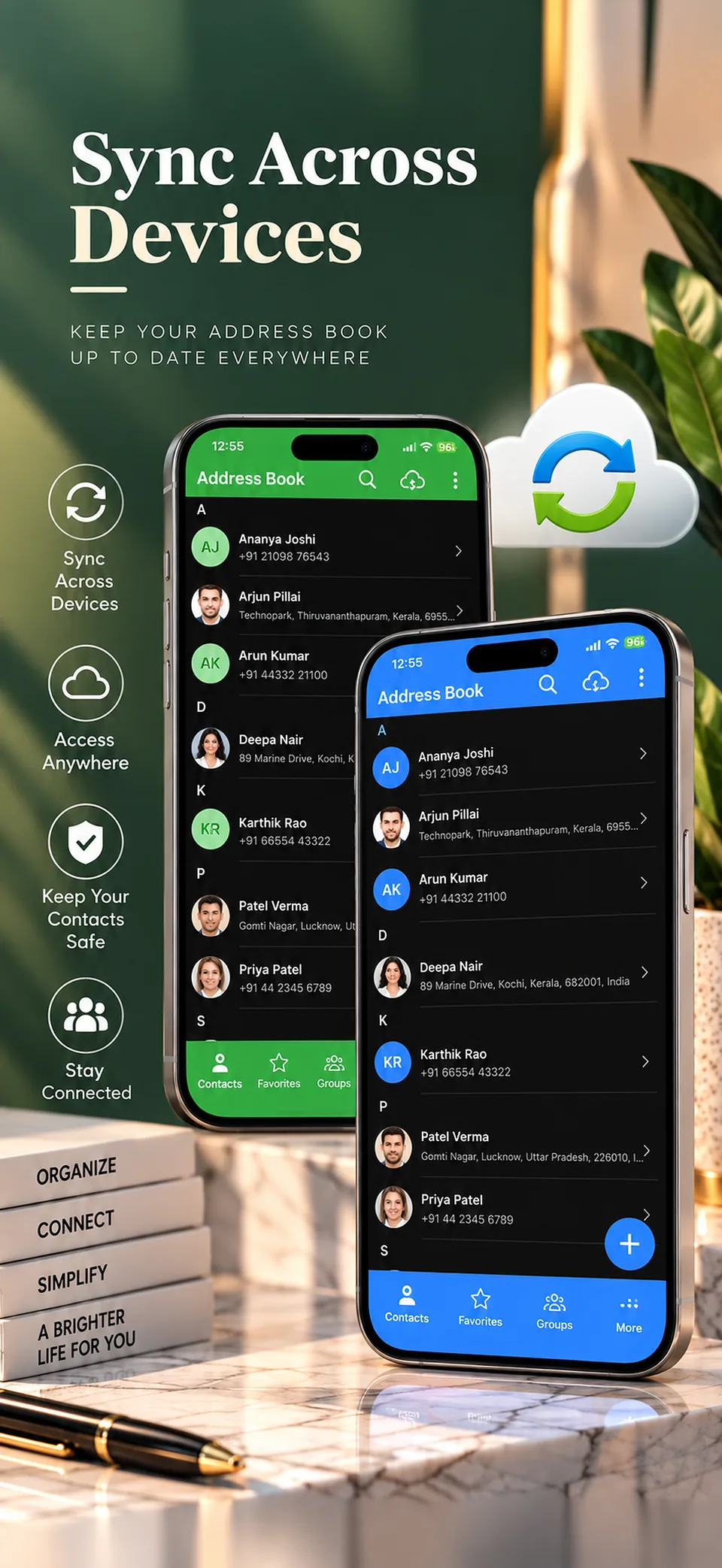
Losing a phone shouldn't mean losing every address you've saved. Address book sync, part of the paid version, keeps your list backed up and available on your devices.
How to sync your address book
When you turn on cloud sync in the paid version, your contact data is stored securely in the cloud, so you can reach it on multiple devices and in the web app.
What happens on the free version
On the free version, your data is stored only on your device and isn't uploaded to any server. That's good for privacy, but it also means a lost or reset phone can take your list with it.
Another way to keep a copy
The paid version can also export your address book to an Excel or VCF file. Keep that file somewhere other than your phone.
How your data is handled
We don't sell your data or share your contacts with advertisers. Our privacy policy has the details.
Common questions
Is cloud backup free?
No. Cloud backup and sync are part of the paid version.
Where is my data stored on the free version?
Only on your device. It isn't uploaded to any server.
Can I use my synced list on a computer?
Yes. The web app at web.appaddressbook.com works with cloud sync, and you approve the login from the app on your phone.
Learn more
Export your address book
Keep a copy of your addresses in Excel or VCF with the paid version.
Address book app for Android
What the app does on Android, including what's free and what's paid.