
Address book app features
A simple address organizer for Android, iPhone and the web, with the tools you need to save, organize and find the people and places that matter to you.
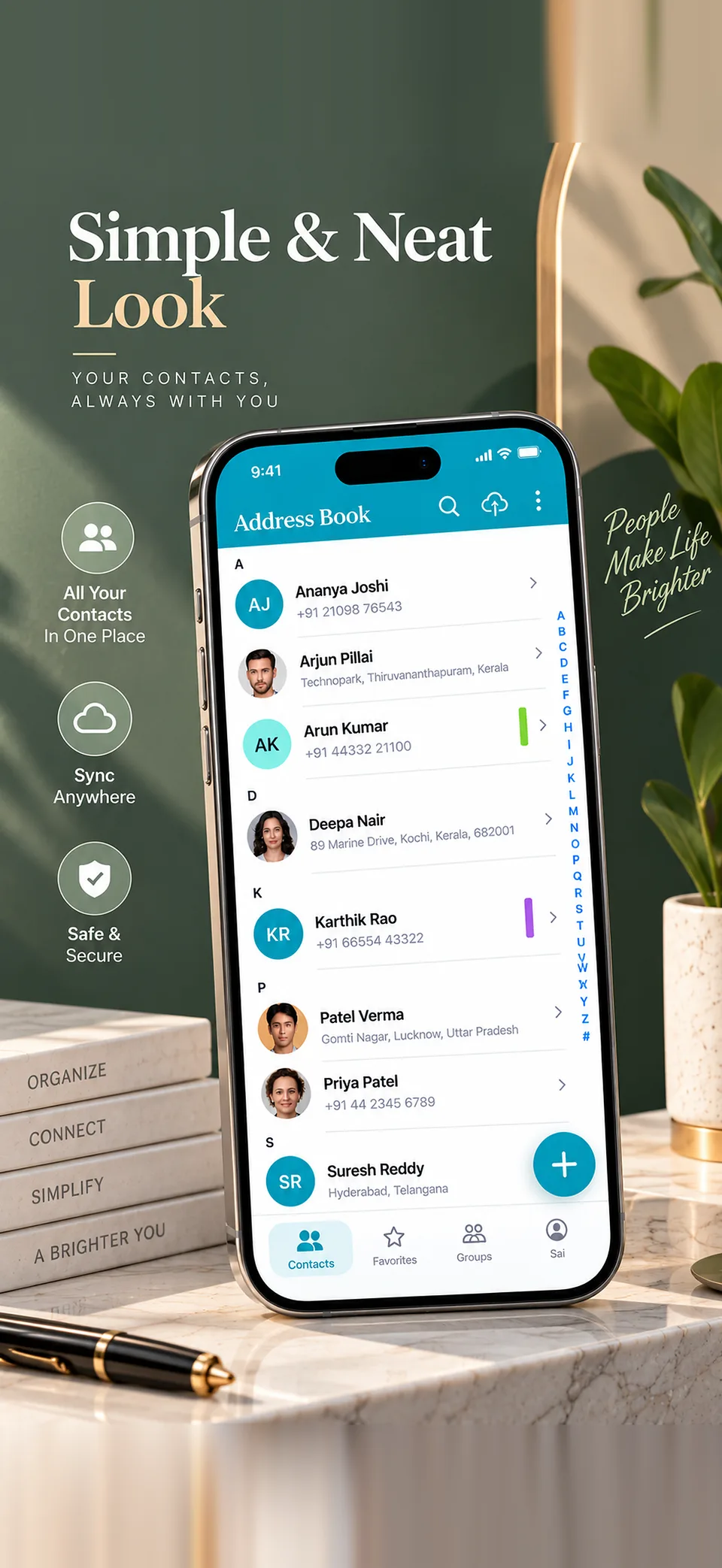
Simple and neat
A simple address book that's easy to scan
Your entries appear in a clean alphabetical list with an A-Z scrubber and instant search, so you can find anyone in seconds.
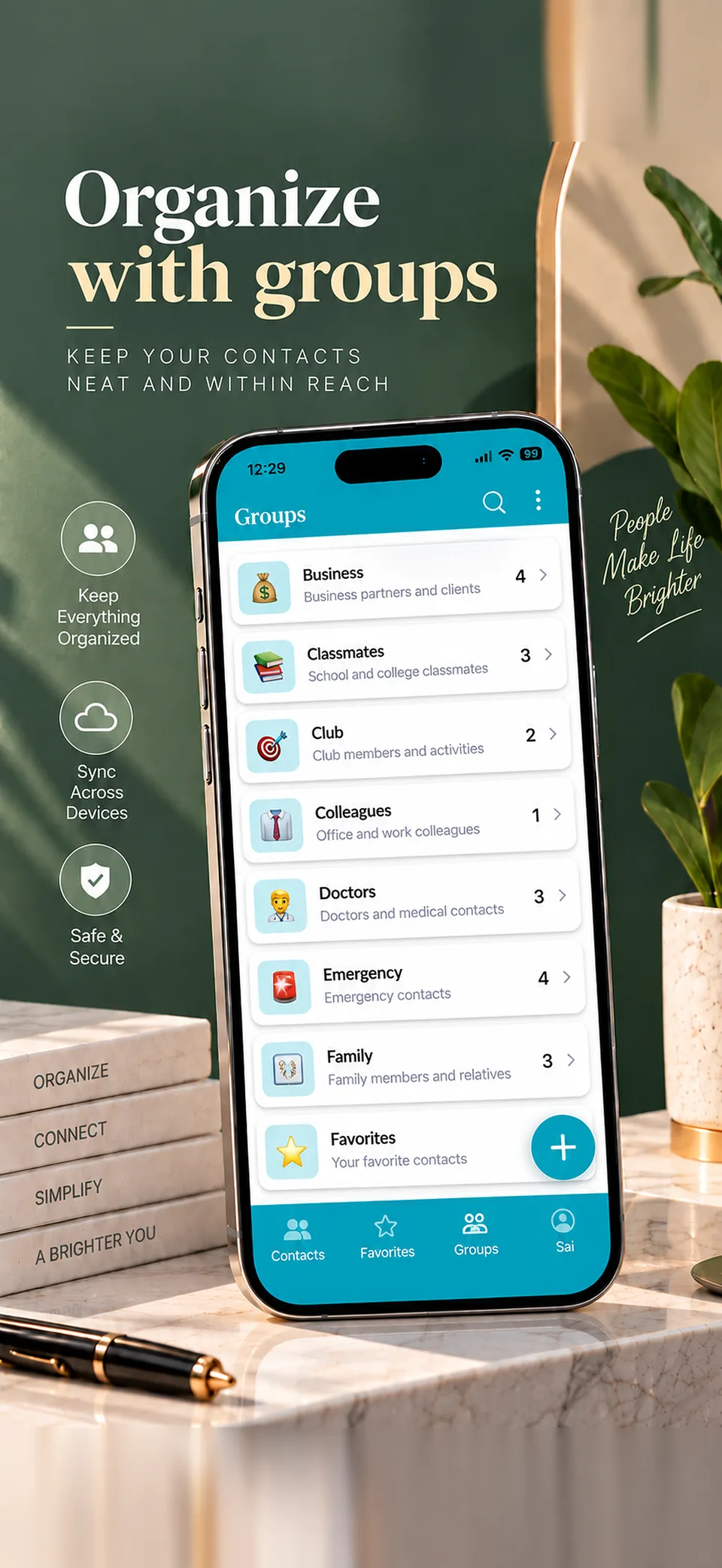
Groups
Organize contacts and addresses into groups
Family, Colleagues, Doctors, Classmates, Clubs: create as many color-coded groups as you like and jump straight to the one you need.
Organizing addresses into groups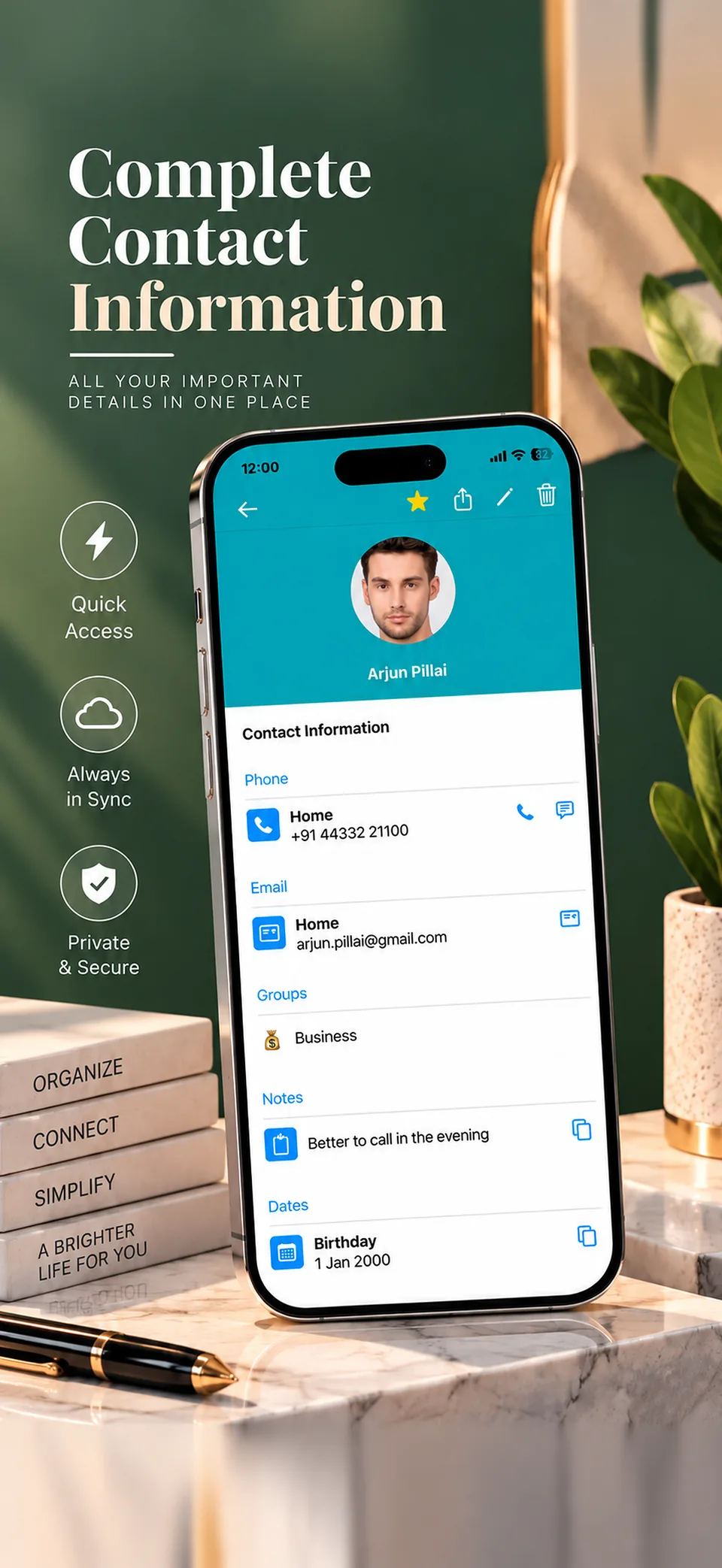
Rich details
Keep every contact detail in one place
Add multiple phone numbers and emails, notes and birthdays to one entry. Tap to call, message or copy any field.
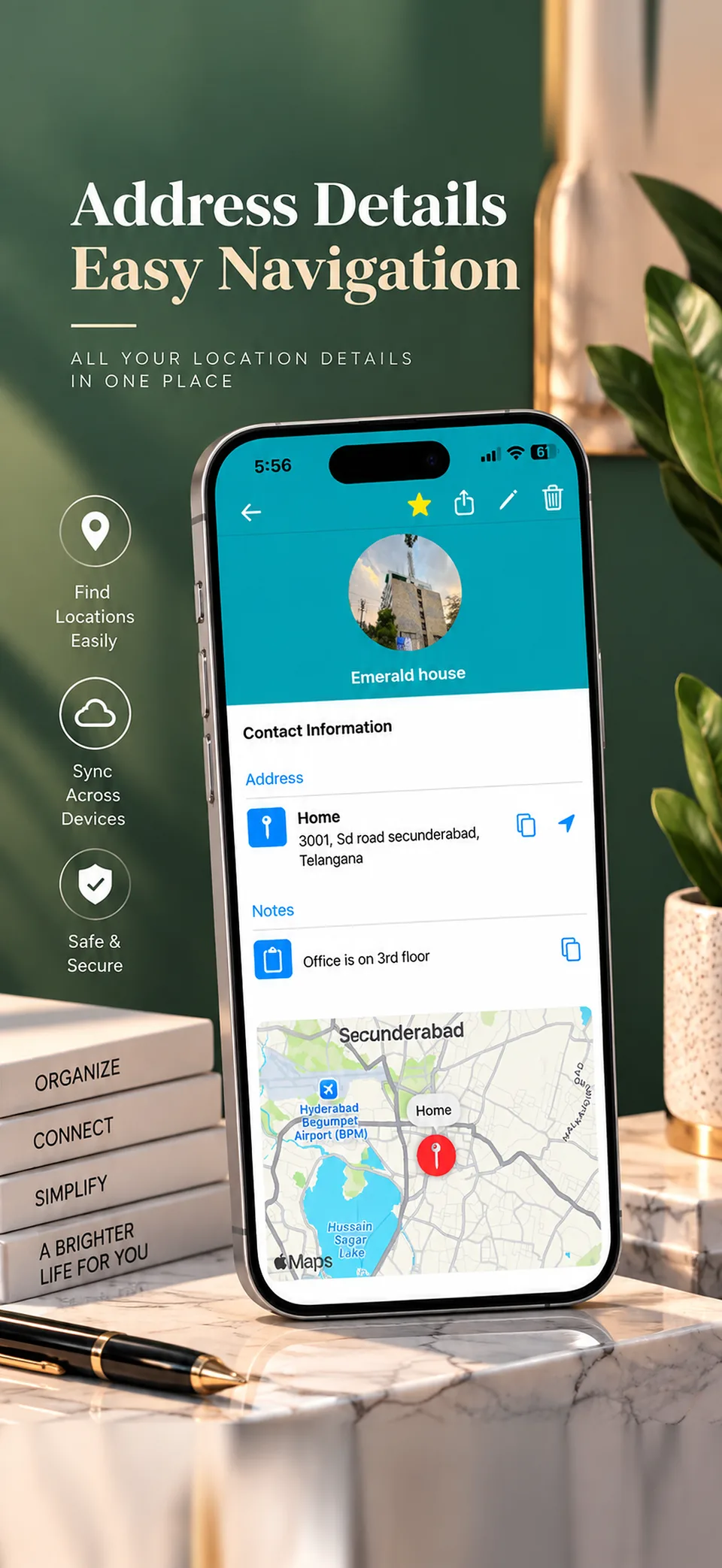
Addresses and maps
Save addresses and get directions in one tap
Save full addresses and open them for directions, in Google Maps on Android. It's a simple way to remember where that office, clinic or friend's home actually is.
Saving addresses with Google MapsReminders, sharing and export
Remember dates, and share or export your list
Set reminders for birthdays and anniversaries. Share a saved address, your current location, a phone number or an email in one tap. With the paid version, export your address book to Excel or VCF.
Exporting your address book13+ languages
An address book in your language
Address Book adapts to your phone's language, including English, Spanish, French, German, Japanese, Portuguese and Hindi.
Themes
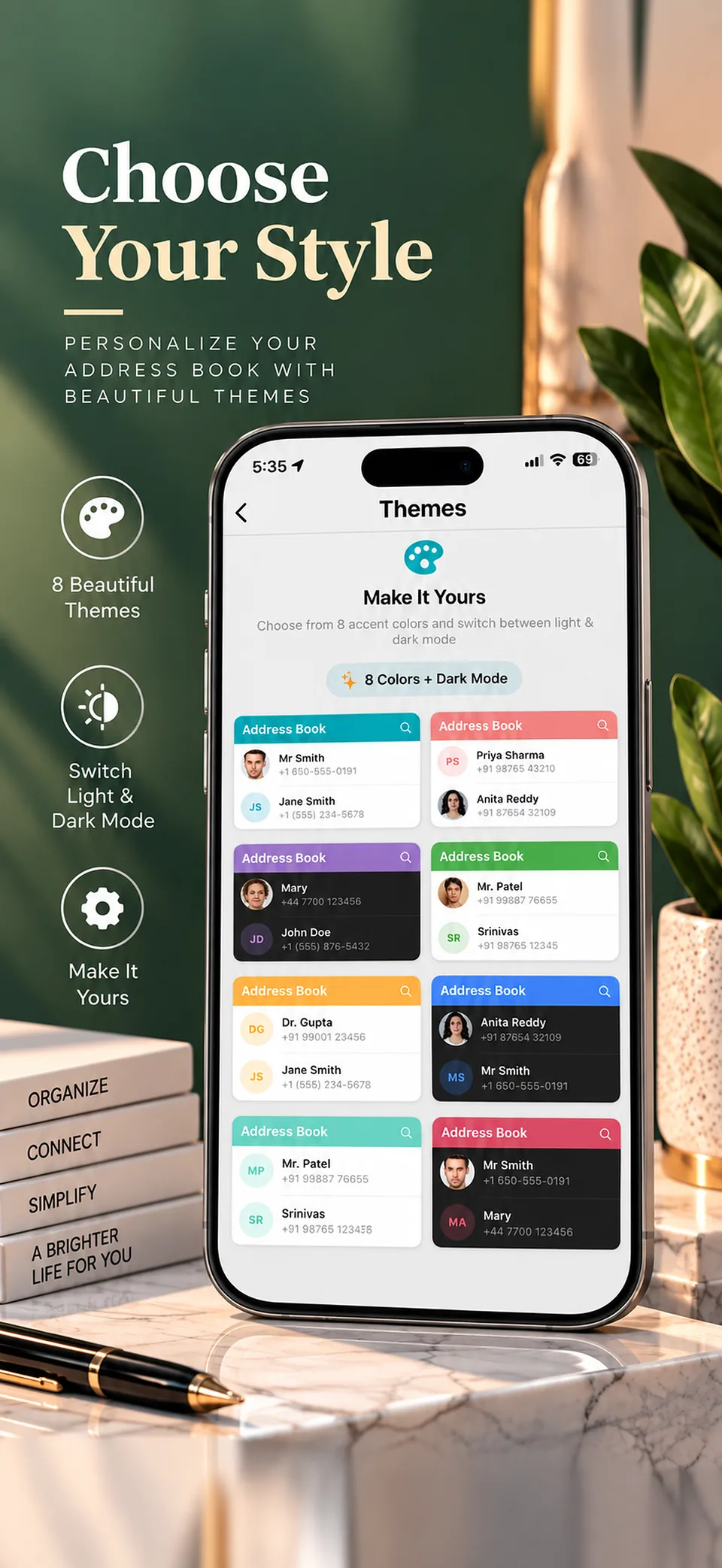
Choose your colors and theme
Choose from 8 accent colors and switch between light and dark mode.
On the web
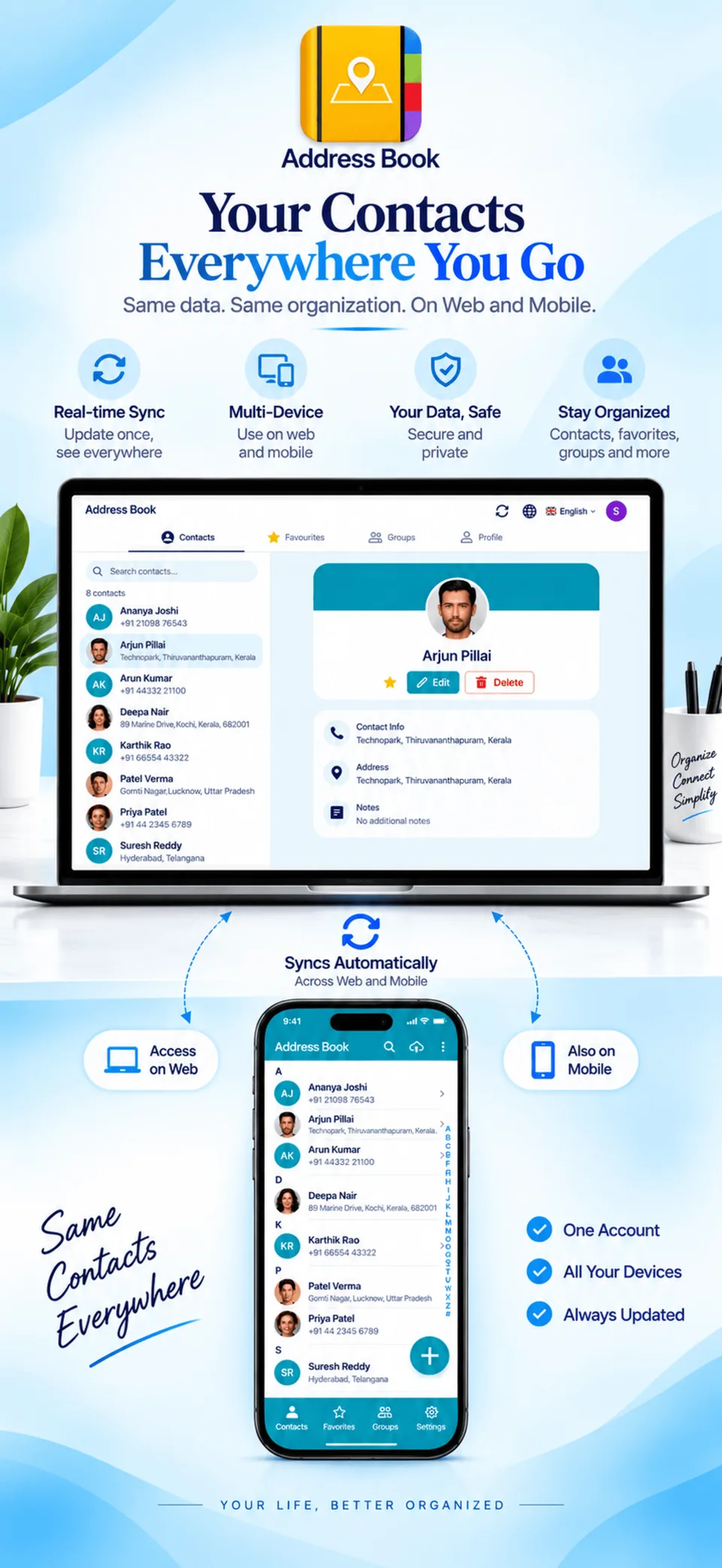
Use your address book on a computer
Open the web app at web.appaddressbook.com and approve the login from the app on your phone. It works with cloud sync, which is part of the paid version.
Cloud sync (paid version)
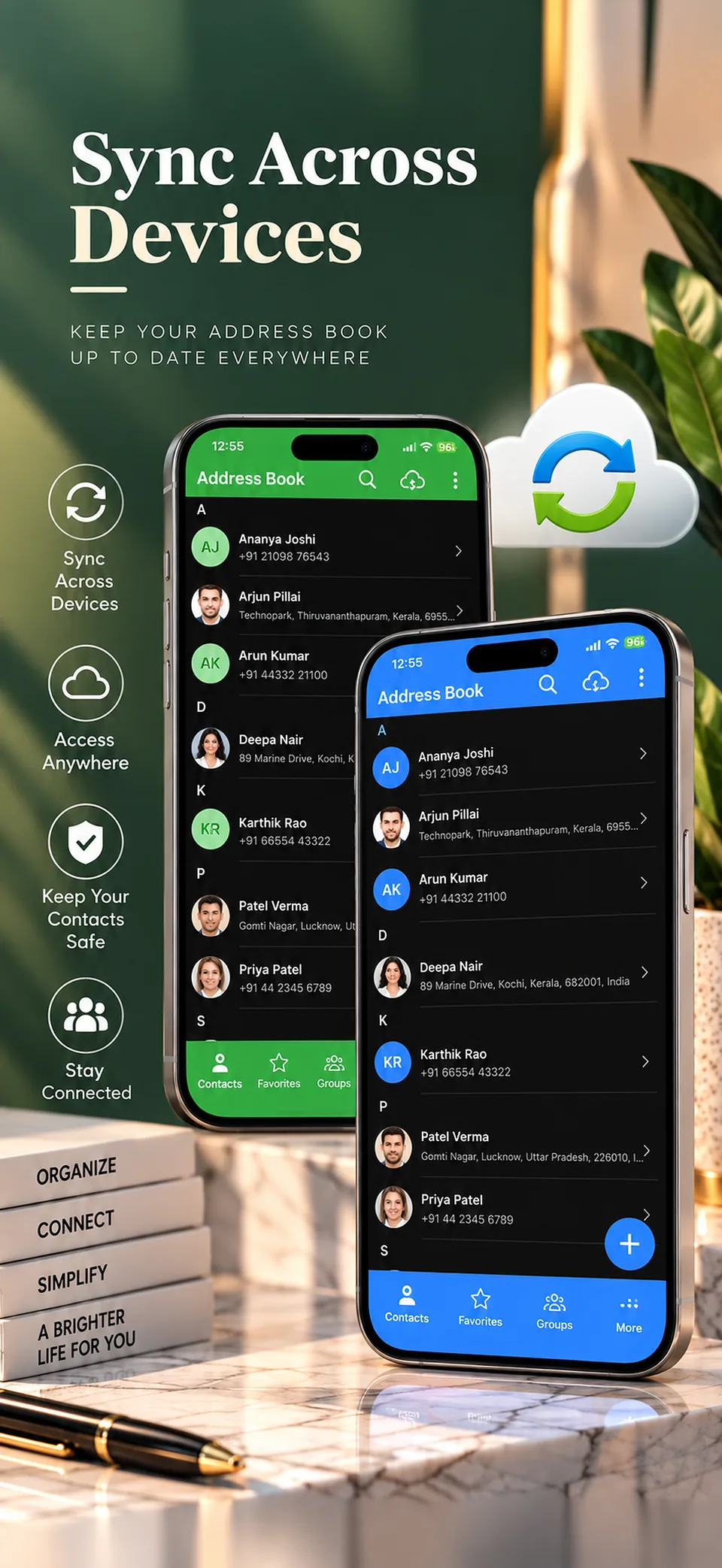
Sync your address book across devices
With the paid version, cloud sync stores your data securely in the cloud so you can reach it on multiple devices. On the free version, your data stays on your device.
Address book backup and syncLearn more
Address book app FAQ
What it costs, where your data is stored, and how export and sync work.
How to save addresses on Android
How Google Maps, Google Contacts and a dedicated app compare for saving addresses.