
Contacts Backup & Export
Back up, restore and export your phone's contacts
Contacts Backup & Export is our app for the contacts already on your phone. Back them up, restore them when you need to, let backups run by themselves every day, and save a copy as vCard, CSV or Excel.
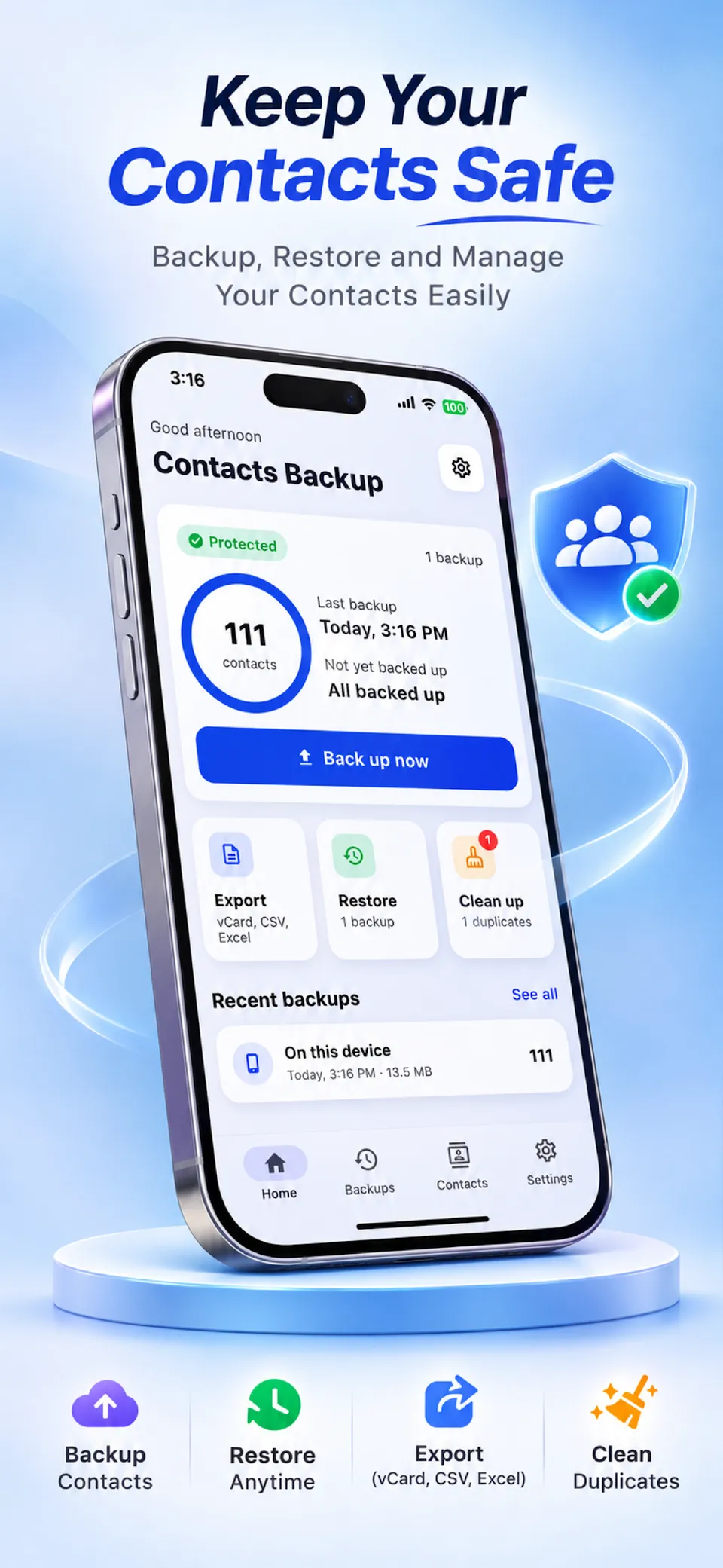
Back up and restore your contacts
See how many contacts you have and when you last backed them up, then back up with one tap. Your backup history keeps each copy, so you can restore your contacts whenever you need them.
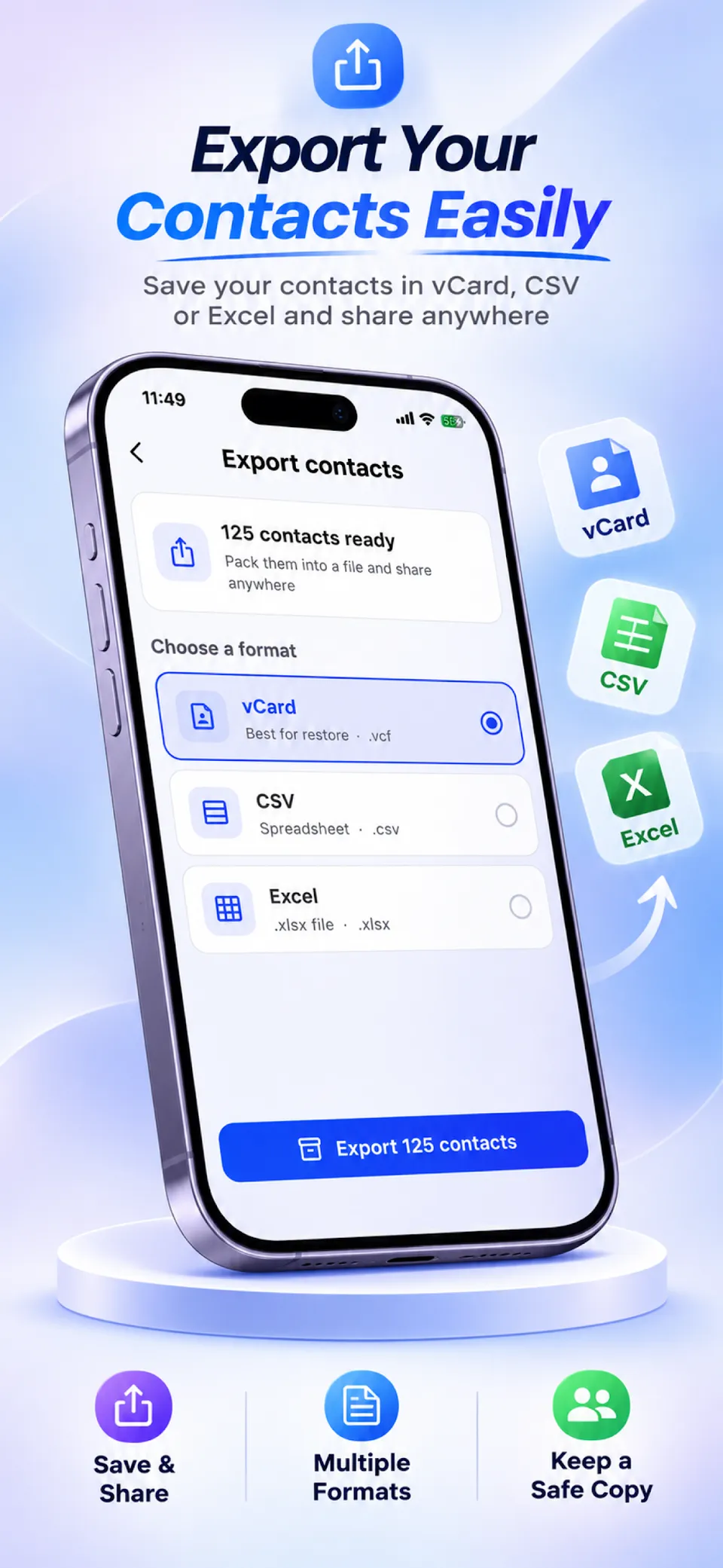
Export and import your contacts
Save your contacts as a vCard file, which is best for restoring, or as a CSV or Excel spreadsheet. Share the file or keep a copy anywhere you like, and import contacts from a file when you need them back.
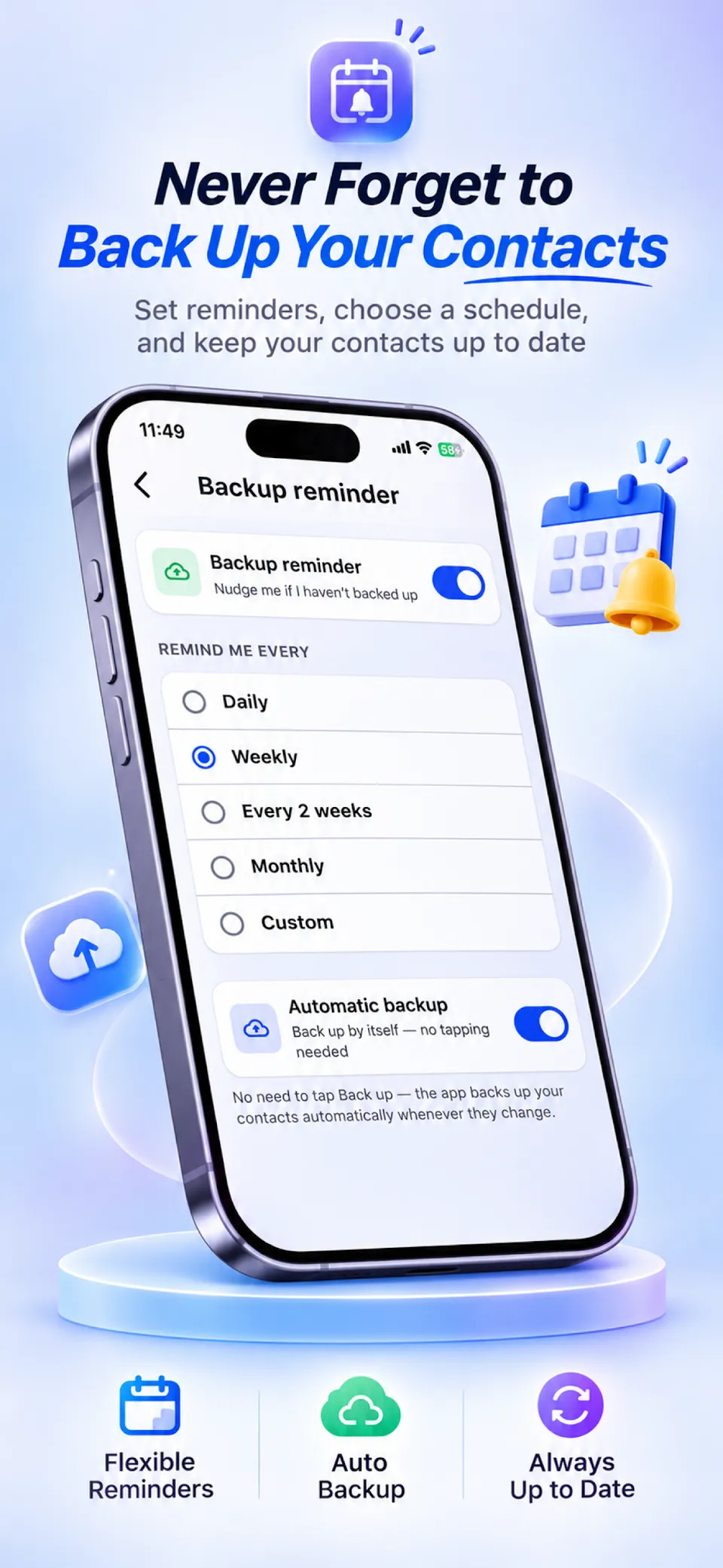
Automatic backup, reminders and cloud backup
Turn on automatic backup and the app keeps backing up your contacts by itself, for example every day, with no tapping needed. Set backup reminders daily, weekly, every two weeks, monthly or on your own schedule. With premium, your backups are kept in the cloud too, so they aren't only on your phone.
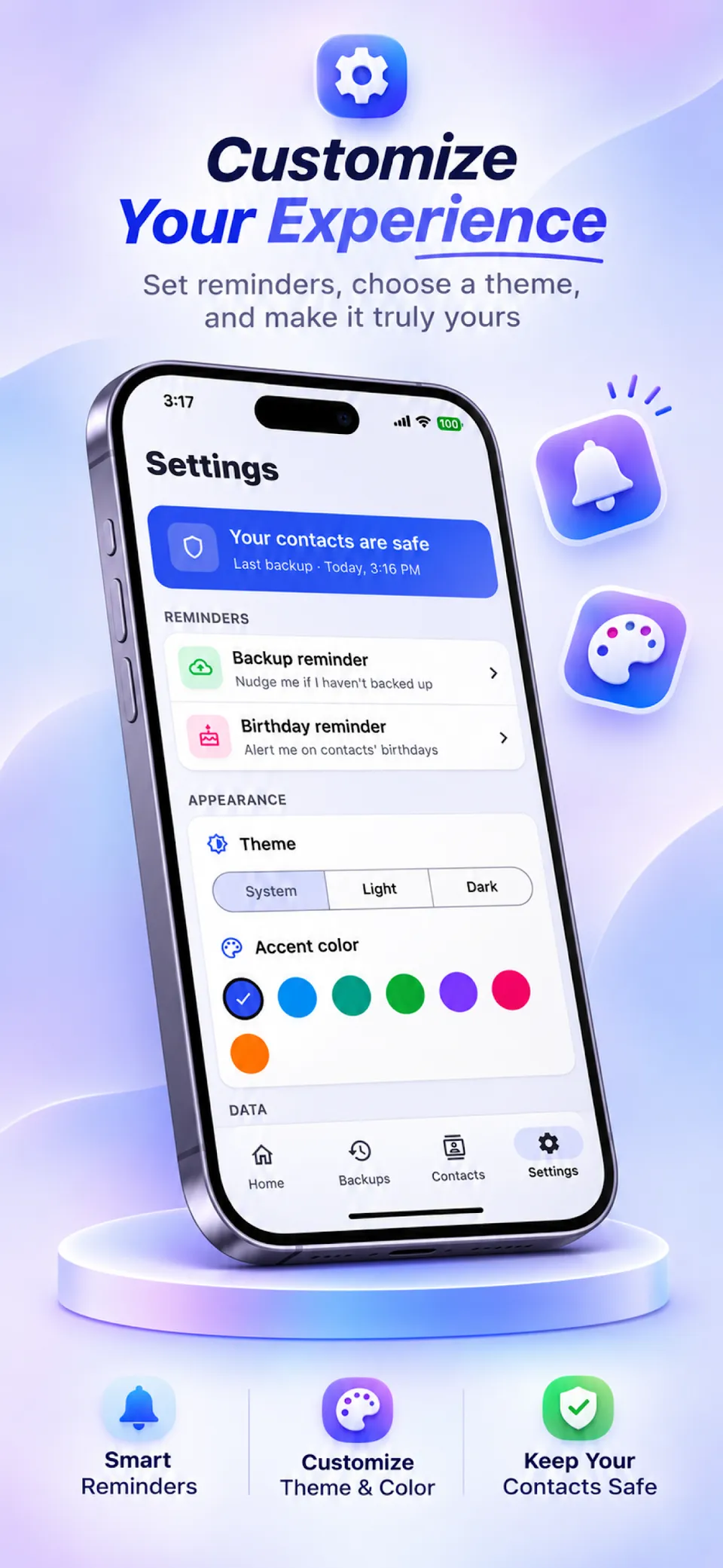
Birthday reminders and your own look
Get a reminder on your contacts' birthdays. Choose light or dark mode, pick an accent color, and use the app in your language.
How it's different from Address Book
Contacts Backup & Export works with the contacts already on your phone. Our other app, Address Book, keeps a separate list of people and addresses of its own. Use Contacts Backup & Export to back up and copy your phone's contacts, and Address Book for the people and places you want to keep apart.
Common questions
What does Contacts Backup & Export do?
It backs up and restores the contacts on your phone, can back them up automatically every day, keeps a copy in the cloud with premium, and exports or imports your contacts as files such as vCard, CSV or Excel.
Which file formats can I export to?
vCard (.vcf), CSV (.csv) and Excel (.xlsx). vCard is the best choice for restoring contacts later.
Is Contacts Backup & Export free?
It's free to download, with optional premium features through in-app purchases.
Which phones does it work on?
Android phones, from Google Play, and iPhone and iPad, from the App Store.
Is it the same app as Address Book?
No. Contacts Backup & Export looks after the contacts already on your phone. Address Book keeps its own separate list of people and addresses. You can use either one, or both.
Get Contacts Backup & Export
Free to download on Android and iPhone.
Articles about backing up contacts
· 2 min read
How to Transfer Contacts to a New Phone, Even Android to iPhone
Move your contacts to a new phone the easy way: export a file on the old phone and import it on the new one, or restore from a cloud backup.
· 2 min read
How to Export Contacts: When You Need a VCF, CSV or Excel File
A VCF, CSV and Excel file each suit a different job. Here's when to use each one, with a simple example for all three.
· 2 min read
How to Back Up Your Contacts Before Your Phone Breaks
A broken phone can take every number with it. Here is how to back up your contacts today, keep a copy off the phone, and get them back when you need them.
Learn more
Address Book app
Our address book app keeps people, addresses and notes in a list of their own.
Address book backup and sync
How Address Book keeps its own list safe with cloud backup and sync.